Unexpected Folders & Files
You may find one or more unexpected files and folders on your Computer or OneDrive account. This article describes their purpose.
If you find a folder on your Computer or OneDrive that you did not create and is not listed in this article, contact the Private Universe Helpdesk so that we can check its source and determine if it is safe.
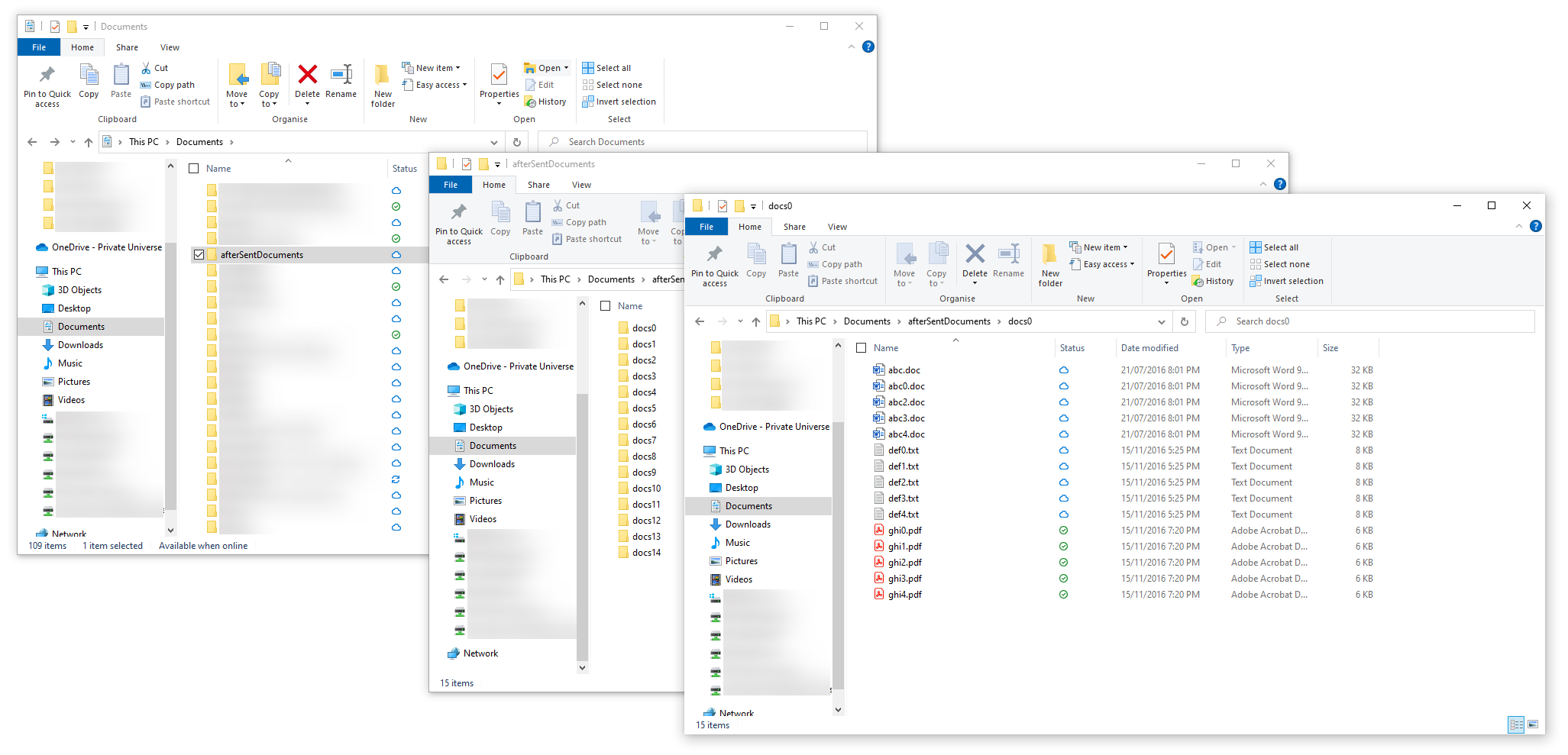
The afterSentDocuments folder may be found in your Documents folder. It will contain a variety of folders named "docs0" through to "docs14", and each of them will contain some Word documents, text files and PDFs such as abc0.doc, def0.txt and ghi00.pdf.
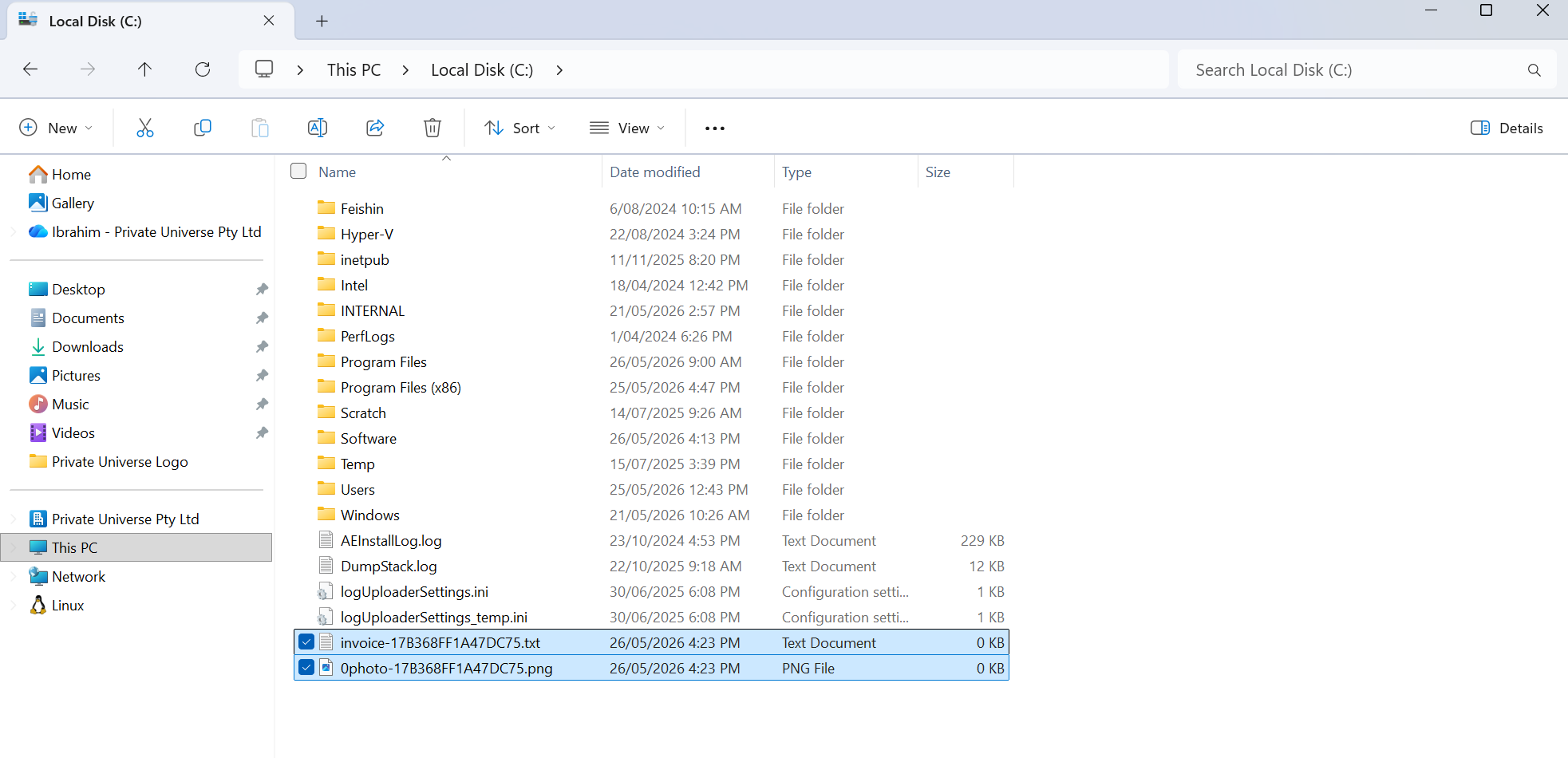
You may also find invoice-*.txt and photo-*.png files in the following paths on your device C:, C:\Users, C:\ProgramData, and C:\Users\Public\Pictures.
Another example is files such as Q7kL2.docx, a9F3.pdf or UAJEXL6rWoxd4.docx. These can usually be found in C:\Users\Documents\ . The image below shows what they contain.
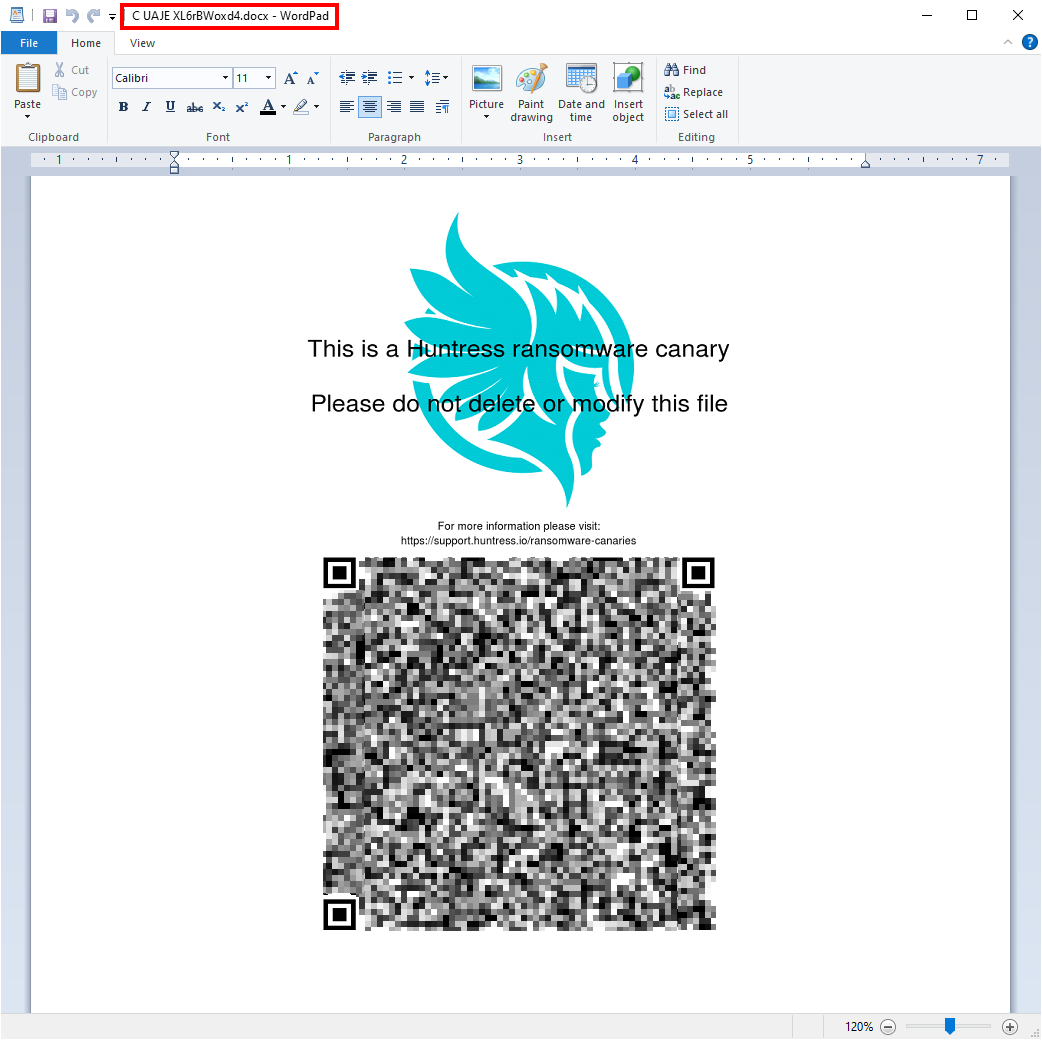
These folders and files are created by the security software installed on your computer and is used as a way of detecting if your device has been compromised. Please avoid deleting or modifying these files and folders as they're in place to ensure the security software works effectively.